

Slotrave App Download for iOS & Android
The Slotrave App: Mobile Gaming Made Simple
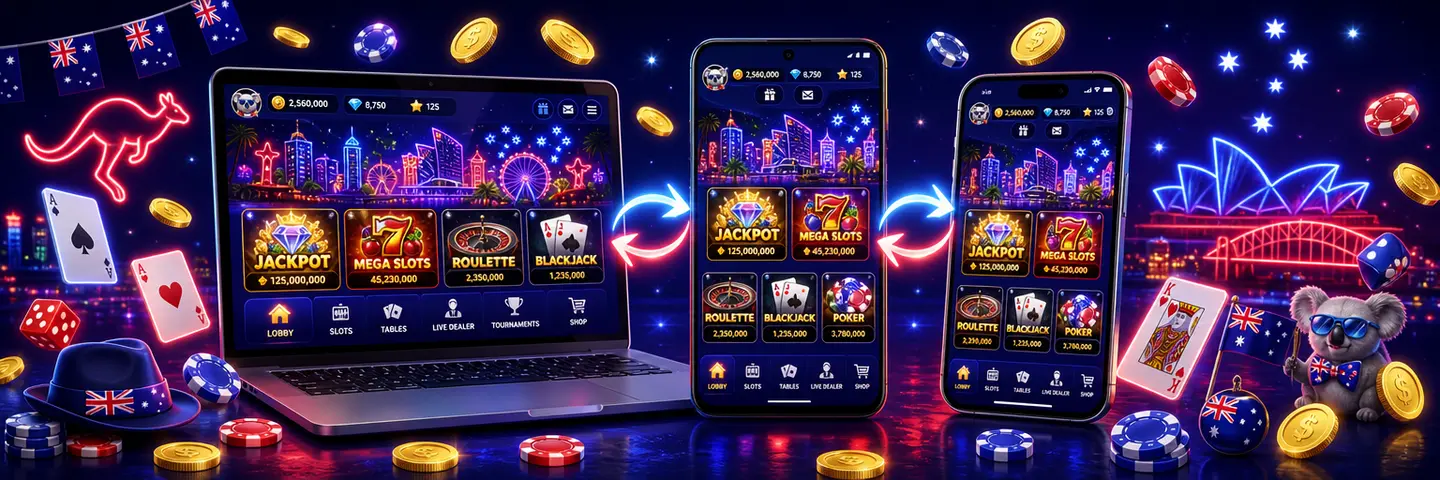
Most Slotrave players end up doing at least some of their playing on a phone, so it makes sense that the casino built a mobile route that doesn't force you to squint at a shrunk-down desktop site. That route looks a little different depending on what you're carrying.
Android users get an actual APK file to download and install, giving you a proper home screen app in the traditional sense. iOS users get something else: a progressive web app, added to your home screen straight from Safari rather than downloaded from the App Store.
Both end up in the same place: an icon on your home screen that opens straight into Slotrave AU without you typing a web address every time.
Slotrave App Australia Overview
How to Download and Install
Installing Slotrave is straightforward on both Android and iOS. Follow the instructions below to set up the app or home screen shortcut and start playing in minutes. Here's how to get everything set up.
 Android: Installing the
Slotrave APK
Android: Installing the
Slotrave APK
Android is the platform where Slotrave offers a genuine downloadable app. Here's the general process:
- Open Slotrave in your Android browser, ideally Chrome, and look for the download or app prompt.
- Tap through to start the download. The file lands in your device's Downloads folder as an APK, not through the Google Play Store.
- Because it's arriving from outside Google Play, your phone will likely ask you to allow installs from unknown sources the first time. This setting sits under your device's security or apps settings, and you only need to enable it for your browser once.
- Open the downloaded APK file and tap Install. The process takes a few seconds on most modern phones.
- Launch the app, log in to your existing account or register a new one, and your 10 free spins should land once the install is recognised.
Download this file only from Slotrave's own site. Third-party download mirrors and unofficial app stores sometimes host modified APKs, and there's no way to verify what's actually inside one of those files.
 iOS: Adding the App to Your
Home Screen
iOS: Adding the App to Your
Home Screen
There's no Slotrave listing in the Apple App Store, which is common for real-money casino apps, given how strict Apple's guidelines are around gambling content. Instead, iOS players get a browser-based version that behaves like an app once it's set up:
- Open Safari specifically. The Add to Home Screen feature that makes this work is a Safari feature, and it won't appear the same way in Chrome or other iOS browsers.
- Go to the Slotrave site and log in or register.
- Tap the Share icon at the bottom of the screen.
- Scroll down and tap Add to Home Screen.
- Confirm the name and tap Add. An icon appears on your home screen exactly like a downloaded app, and tapping it opens Slotrave in full-screen mode, without the usual Safari address bar and tabs.

App Features and Benefits
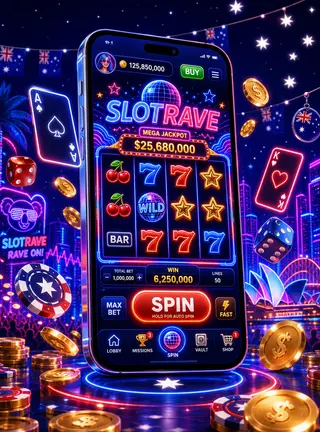
Slotrave's mobile experience isn't just about playing on a smaller screen; it also makes it easier to manage your account, claim promotions, and enjoy games wherever you are.
-
Switch Between Devices Without Missing a Beat
Portability is the obvious one. Once either version is set up, you're a single tap away from your account instead of digging through browser tabs or retyping a web address. Because both versions run on the same account as the desktop site, your balance, bonus progress, and verification status carry over automatically. You don't create a separate mobile account or lose track of where you're up to in the welcome bonus sequence just because you switched devices.
-
The Same Security as Desktop
Security works the same way it does on a desktop. Your connection is encrypted, and logging in requires the same credentials either way, so installing the Android APK or adding the iOS home screen icon doesn't create some separate, less secure entry point into your account. It's worth repeating that this only holds if you download the APK from Slotrave's own site rather than a third-party mirror.
-
Designed for Comfortable Mobile Play
Mobile optimisation shows up in the details rather than the big picture. Buttons and game tiles are sized for tapping rather than clicking, menus collapse into something more thumb-friendly, and the cashier and account pages resize properly instead of forcing you to pinch and zoom.
Because iOS relies on the browser under the hood, page loading speed and animation smoothness depend a little more on your connection than they would with a fully native app, though in day-to-day use, the difference is minor.
-
Extra Value for Installing the App
The clearest exclusive feature tied to installing is the 10 free spins bonus mentioned earlier. It's not something you get simply by playing on the mobile browser without installing, so it's worth setting up whichever version fits your device, even if you mostly plan to keep playing through a browser afterwards.
-
Faster Access to Promotions and Rewards
One practical benefit that's easy to overlook is how much friction it removes from your day-to-day habits. Once the icon sits on your home screen, checking whether a promotion has changed or whether your Non-Stop Party rewards have landed becomes a two-second glance rather than a search through browser history or bookmarks.
That matters more than it sounds for anything time-limited, like the Friday Night Out reload or a tournament countdown, where a slightly faster route to the app can be the difference between catching an offer and missing it.
App Requirements and Compatible Devices
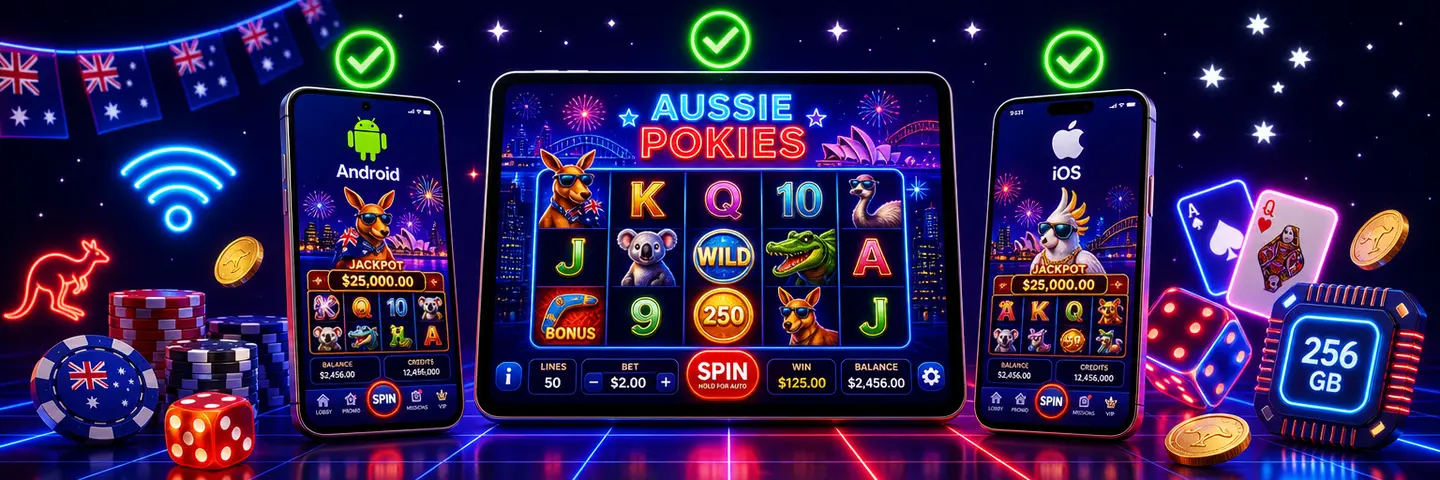
Slotrave is designed to run on a wide range of mobile devices, making it easy to install and play on both Android and iOS. Below, we’ll go through the key requirements and compatibility details to help you make sure your device is ready for the best possible mobile experience.
Android Requirements
For Android, you'll need a device running a reasonably current version of Android with a modern browser such as Chrome, enough free storage to hold the APK file plus the installed app, and the ability to toggle on installs from unknown sources in your settings.
Older or heavily restricted devices (some work phones with locked-down settings, for example) may block that toggle entirely, which would prevent installation regardless of storage or OS version.
iOS Requirements
For iOS, the requirement is simpler because there's no separate app to store: a reasonably current version of iOS running Safari is enough, since the Add to Home Screen feature has been part of Safari for a long time. Older iPhones and iPads that can still run a supported version of iOS should have no trouble with it.
Across both platforms, a stable Wi-Fi connection or a decent mobile data signal makes a bigger practical difference to your experience than the exact specification of your device, particularly for live dealer games, where a weak connection is far more likely to cause stutter than an older processor.
Mobile Web Version
If you'd rather skip installing anything, the regular mobile website covers the same ground. Open Slotrave in your phone's browser, whether that's Chrome on Android or Safari on iOS, and you get the full site: games, promotions, the cashier, and account settings, all resized for a smaller screen. Nothing is locked behind the APK or the home screen version specifically, aside from that one 10 free spins install bonus.

This is a reasonable route if you're on a work or shared device where you'd rather not add an icon, if your Android settings won't allow installs from unknown sources, or if you just prefer not to commit to installing anything before you've decided whether Slotrave is for you. You can always add the home screen shortcut or download the APK later without losing anything you've already set up.
Frequently Asked Questions
-
Is the Slotrave app available on Google Play or the App Store?
No, not as a listed store download on either platform. Android players install an APK file directly from Slotrave's site, and iOS players add a browser-based version to their home screen through Safari.
-
Is it safe to download the Android APK?
It's safe as long as you get it from Slotrave's official site rather than a third-party download page or app repository. Unofficial mirrors can host modified files, and there's no reliable way to check what's actually been added to one before you install it.
-
Do I get the same bonuses on the app as I would on desktop?
Yes. The welcome bonus, Friday Night Out, Fortune Wheel, and Non-Stop Party are all available whichever way you access your account. Installing the app version also gets you the separate 10 free spins bonus.
-
How do I update the app?
For the Android APK, check Slotrave's site periodically for a newer version, since updates aren't pushed automatically the way they would be through Google Play. For the iOS home screen version, updates happen automatically in the background.
-
What should I do if the app won't install or keeps crashing?
Start with the basics: confirm you have enough free storage, that unknown sources are enabled if you're on Android, and that you're running a reasonably current version of your operating system. If problems continue, Slotrave's support team can help troubleshoot anything specific to your device.
-
Is my personal and financial information safe on the app?
Both versions use an encrypted connection to protect your data in the same way the desktop site does. As with any account, using a strong password and avoiding shared or public devices for logging in adds an extra layer of protection on top of that.
-
Can I play live dealer games through the app?
Yes, live dealer tables run through both the Android APK and the iOS home screen version the same way they run on the mobile website, since they're all pulling from the same underlying platform.
Play Responsibly
Every version of Slotrave, desktop, Android, or iOS, assumes you're playing for entertainment and that you're of legal gambling age in your state or territory. Deposit limits, session reminders, and self-exclusion tools are typically available through your account settings on any device, so it's worth setting these up before you start playing rather than after a session has already run longer than planned.
If you'd rather talk to someone than rely on your own limits, Australia's National Gambling Helpline is free, confidential, and available 24/7 on 1800 858 858, and you can also reach Gambling Help Online through its live chat and email counselling for anyone affected, not just the person placing the bets.
If you'd prefer to step away completely, BetStop, the National Self-Exclusion Register, lets you block yourself from all Australian-licensed online and phone wagering services in one step. None of these services cost anything to use.


